One Missed Vrbo Door Code Can Turn Into A 2 AM Support Problem.
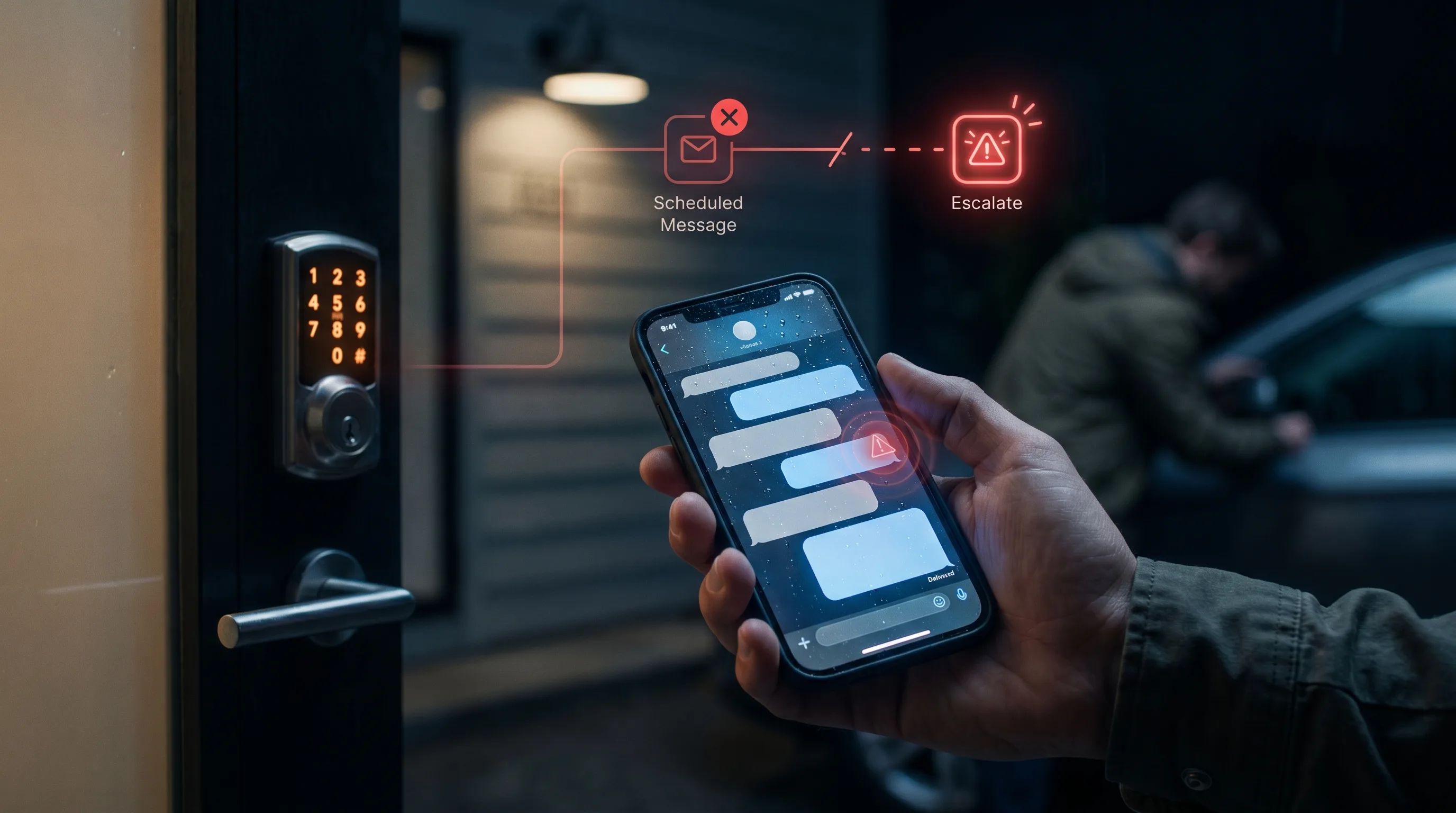
Guest communication automation for short-term rental property managers
Introduction
The guest is outside. The property is ready. The reservation is real. The problem is one missing message.
That is why Vrbo automated messages matter most on arrival day. Door codes, lockbox details, parking notes, entry instructions, and what-to-do-if-it-fails guidance are not just admin details. They decide whether check-in feels professional or stressful.
For a property manager, the dangerous part is that access problems often look small until they become urgent. A late answer at noon is annoying. A missing door code at 2 AM is a support incident.
Access messages need timing, not just copy
Vrbo documents message templates for common questions and routine messages. Templates are helpful, but access communication needs more than a saved paragraph.
The message must arrive at the right time. It must match the correct property. It must include the right access method. It must tell the guest what to do if something fails. It must not reveal sensitive access information too early if your policy requires timing control.
That is why arrival messaging should be treated as a workflow.
The access workflow should have three layers
First, the pre-arrival message should set expectations. It should confirm when check-in details arrive, what documents or steps are needed, and where the guest should look for instructions.
Second, the access message should be specific and clear. It should cover address, parking, door code or lockbox instructions, Wi-Fi if relevant, and a short backup path.
Third, the exception path should escalate. If a guest says the code does not work, cannot find the entrance, is locked out, or is arriving late, the system should not treat that as a routine template.
That is where many manual workflows break. The first two layers are repeated work. The third layer needs human attention.
Response time matters more when the guest is at the door
Vrbo's responsiveness metrics documentation explains that the platform tracks response behavior and encourages timely replies (Vrbo Help). Access messages are where response time becomes most visible to the guest.
The guest does not care whether the issue started in the PMS, the smart lock, the channel inbox, or the staff rota. They only know whether someone helps them get inside.
For managers, this means access communication should not depend on whoever sees the notification first.
Use platform tools, but do not stop there
Airbnb's scheduled quick replies show the same trigger-based logic around guest events (Airbnb Help). Booking.com also supports scheduled templates and automatic replies for partners (Booking.com). The broader travel-platform pattern is clear: guest messages should match the stay timeline.
But multi-channel managers need one operating model across channels.
GuestReply can sit beside existing systems as the AI guest communication layer. For Vrbo, that means routine access questions can be answered quickly, repeated instructions can stay consistent, messages can support different languages, and urgent access problems can escalate before the guest experience turns into a late-night complaint.
The takeaway
Door-code messaging is not a small detail. It is a trust moment.
If the guest gets the right access information at the right time, check-in feels invisible. If the message is missing, unclear, or late, your team inherits the problem immediately.
Build the Vrbo automated messages around the arrival workflow first, then add escalation for every access-risk scenario.
If you want GuestReply to help manage Vrbo arrival messages with fast answers and escalation, book a demo.
FAQ
Can Vrbo automated messages include door-code information?
Managers can use message workflows and templates for access communication, but timing and property-specific details must be controlled carefully.
What should a Vrbo access message include?
It should include timing, address or arrival context, parking, entry method, code or lockbox steps when appropriate, and what to do if access fails.
When should access messages escalate?
Escalate lockouts, failed codes, late-night access trouble, confused arrivals, safety issues, and any message where the guest cannot enter the property.
